
SWAT Elite Force Multiplayer & CO-OP
Host or join SWAT: Elite Force with GameRanger, community VPNs, or classic TCP/IP — plus Campaign CO-OP and built-in admin tools.
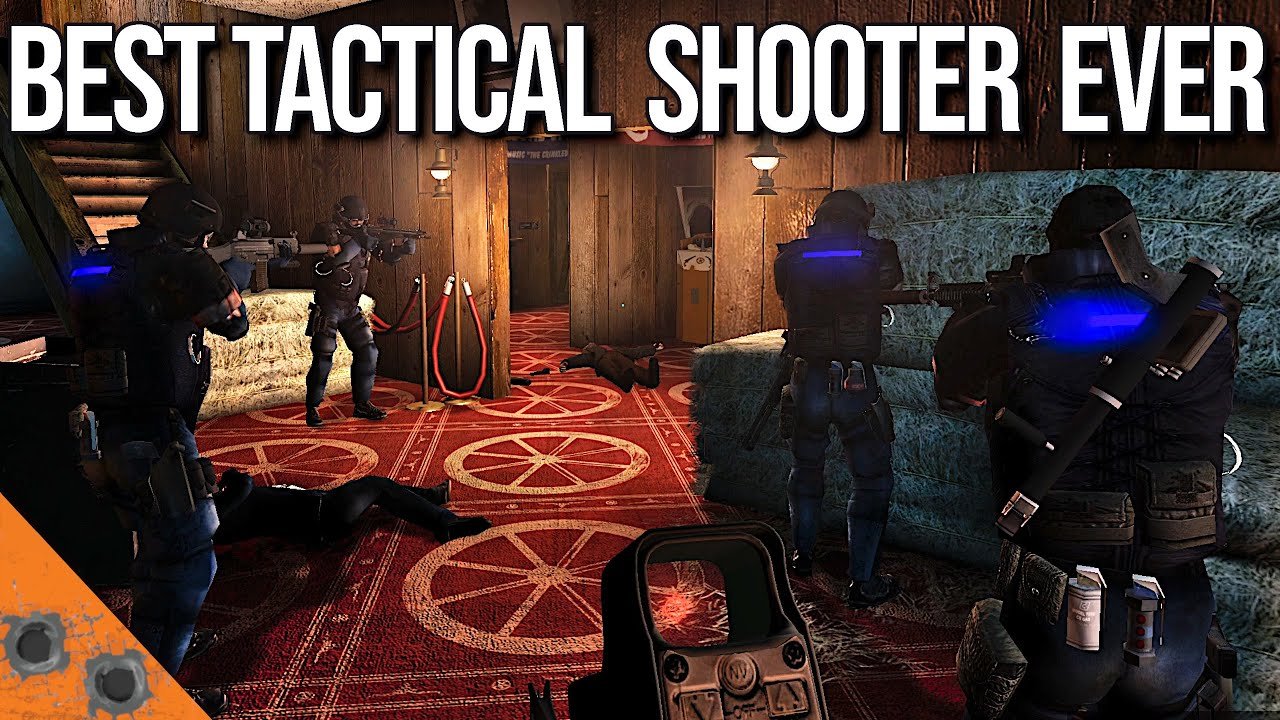
Multiplayer options at a glance
SWAT: Elite Force supports cooperative play (and related online modes) through several networking paths. Community consensus for convenience:
- GameRanger — preferred for many friend groups; less router wrestling.
- Radmin VPN (or similar) — common community LAN-over-VPN approach.
- TCP/IP + Swat4Stats — classic internet hosting with port forwards and the SWAT4Stats browser plugin.
Everyone must run the same SEF version (use v7.2). Mismatched mods abort connects and waste evenings. Confirm installs with Getting Started before blaming the network.
Official detail lives in the mod’s MULTIPLAYER.md; this page translates that into a player checklist.
GameRanger (preferred)
All players
- Install GameRanger.
- Let it detect SWAT 4 / TSS, or add them manually.
- Prepare the SEF executable GameRanger expects: in
SEF\Extras, work fromLaunchSEF.exeso GameRanger can treat it asSWAT4X.exe(the Extras binary is named to avoid accidental auto-detect until you set it up). - Point the Stetchkov Syndicate GameRanger entry at the SEF
Swat4X.exe/ prepared launcher path — not vanillaContentExpansion\System. - Install Microsoft Visual C++ 2017 redistributable if the SEF launcher aborts (x64 or x86 matching your OS needs).
Host
- Create a GameRanger room as SWAT 4: The Stetchkov Syndicate.
- Say it is SEF v7.2 in the room title/description for public rooms.
- When the squad is ready, Start Game from GameRanger, then host from SEF’s Host Game menu.
- Do not use dedicated-server style launch while depending on GameRanger’s client tunneling.
Clients
Join the room and wait — GameRanger should connect you as the host loads the map.
GameRanger troubleshooting
If GameRanger aborts on launch, antivirus may be blocking the SEF extras EXE. Last-resort doc advice: copy required EXE/DLL files from ContentExpansion\System into SEF\System and retarget GameRanger — only after normal mapping fails. Wrong SEF folder nesting also makes LaunchSEF.exe useless; fix install layout first.
Radmin VPN and LAN-style play
Community groups often create a Radmin (or equivalent) virtual LAN, then host SEF as a LAN game. Steps vary by VPN product, but the pattern is:
- All players join the same VPN network and can ping each other.
- Host starts SEF and hosts a LAN / appropriate network game.
- Clients join via the host’s VPN IP.
This avoids GameRanger quirks but requires everyone to install the VPN and coordinate IPs in Discord. Keep SEF versions identical and agree on friendly-fire / voting rules before the first door.
Traditional TCP/IP and Swat4Stats
Joining
- Install the SWAT4Stats server browser plugin (TSS build) from swat4stats.com to see public internet servers, including SEF boxes.
- For direct connect, get the host’s public IP and use Join Game.
- Filter for SEF; vanilla servers will not satisfy mod checksums.
Hosting
- Forward TCP and UDP 10480–10483 on your router to the host PC.
- Optionally install Swat4Stats so the server publishes to the master list; set the game to Internet, not LAN, when you want public visibility.
- Host from Host Game for standard CO-OP, or use Career → Campaign CO-OP for shared careers.
- After a successful bind once,
Dedicated Server.batcan relaunch headless-style hosting; join from the in-game browser.
Without Swat4Stats publishing, share your IP manually via Discord. CGNAT / double-NAT ISPs may block inbound hosts — use GameRanger or a VPN in that case.
Campaign CO-OP
SEF’s Campaign CO-OP lets friends progress eligible careers together. Restrictions matter: it is not for All Missions, Permadeath, or Hardcore careers. Pick a normal consolidated campaign (or other supported non-restricted mode), open Campaign CO-OP from the career flow, and configure password / settings on the panel that replaces Equipment during host setup.
Agree on ROE and who leads stack calls. Speech commands in a shared voice channel need a toggle discipline — see Speech Commands.
Admin tools (use SEF’s, not conflicting mods)
SEF bundles an admin / WebAdmin stack (default WebAdmin port 6000). Prefer it over MarkMod, Gez, SES, or Snitch stacks that conflict. Roles use passwords; Guests should stay low-power. MOTD / AutoActions are configured in dedicated server INI under [SwatGame.SwatAdmin].
JSON endpoints under WebAdmin (/json/players, /json/log) exist for tools — treat them as world-readable and avoid leaking sensitive chat.
Voting improvements (next map, start map, end map) and chat room tags are part of the SEF multiplayer QOL set. Configure friendly fire explicitly for CO-OP.
Pre-flight checklist
- Same v7.2 install on every PC
- SEF launched via SEF tools, not vanilla
- VC++ redist present for GameRanger path
- Ports forwarded or GameRanger/VPN path chosen
- Room labeled SEF + version
- Loadout weight legal before ready-up (v7.2 fixed some overweight ready exploits)
- Backup plan on Discord if the first tunnel fails
Kit guidance for co-op roles: Loadouts. Mission flow: Campaign Walkthrough. Downloads and community invites: Links.
Etiquette and stability
Say which maps you own (Mega Map Pack users should clarify All Missions expectations). Do not mix total-conversion weapon packs with SEF. Restart fully after crash loops before re-queueing. If only one player desyncs, compare SEF folder sizes and re-copy v7.2 cleanly.
Multiplayer is where SEF’s AI, traps, and less-lethal rules shine with human breachers. Get the tunnel stable once, save the GameRanger profile paths, and future nights become five-minute startups instead of two-hour networking archaeology.
Return to the Guides Hub when you need adjacent systems, or the Wiki Overview for the full site map.
Frequently Asked Questions
Quick answers to the most common questions.
What is the easiest way to play SEF with friends?
GameRanger is the preferred path for many groups. Radmin-style VPNs and TCP/IP with port forwards are alternatives.
Which ports does SEF TCP/IP hosting use?
Forward TCP and UDP 10480–10483 to the host machine when hosting without GameRanger/VPN tunneling.
What is Campaign CO-OP?
A SEF mode that shares supported careers online. It excludes All Missions, Permadeath, and Hardcore careers.
Should I install third-party admin mods?
No. Use SEF’s built-in admin and WebAdmin. Third-party admin packs often conflict or crash.
Why does GameRanger abort when launching SEF?
Usually wrong EXE mapping, missing VC++ 2017 redist, antivirus blocks, or a broken SEF folder layout.