
SWAT Elite Force Speech Commands
Issue stack-ups, breaches, and compliance shouts by voice — the cut feature SEF restores for immersive leadership.
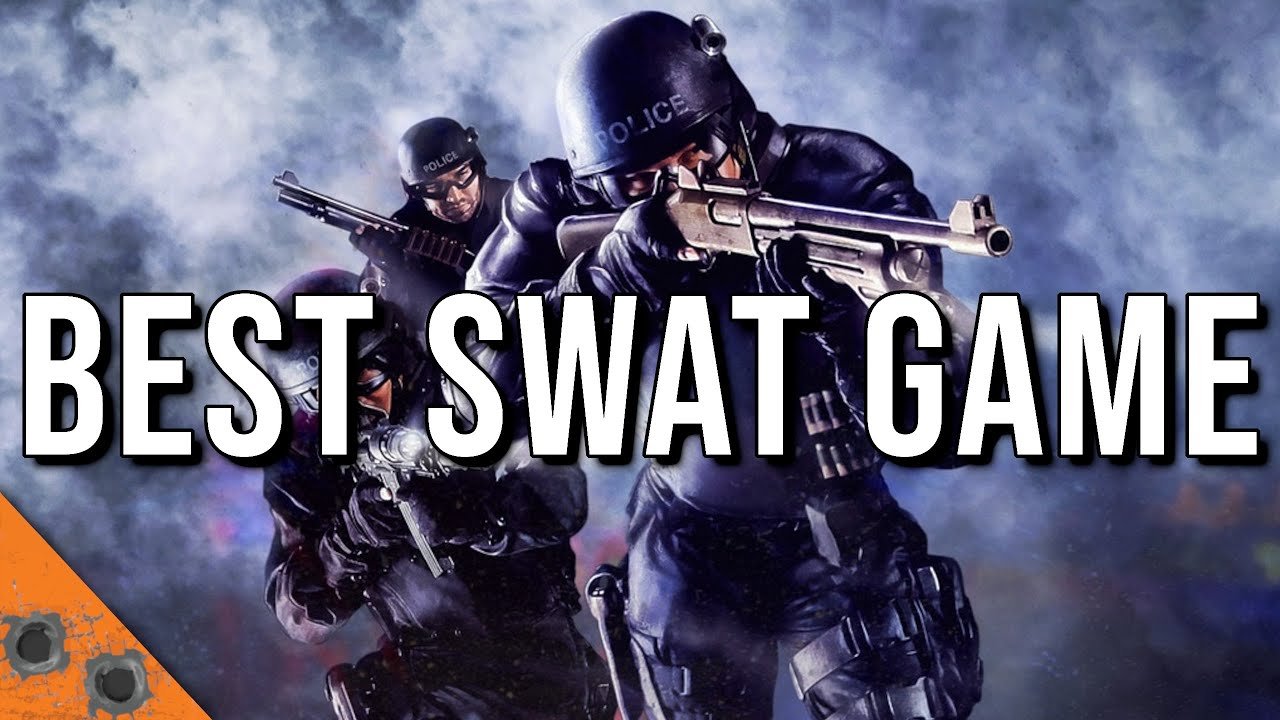
What speech commands are
SWAT: Elite Force restores the immersive speech recognition interface that never fully shipped with retail SWAT 4. With a working microphone and the Microsoft Speech API, you can address Element / Gold, Red, or Blue, hold orders until “on my mark,” and drive door actions without burying yourself in the graphic command menu mid-gunfight.
Speech does not replace the menu — it complements it. When recognition fails in a loud Discord call, fall back to the improved SEF command UI. When it works, you keep your eyes on the doorway and your hands on movement and ADS.
Official phrase lists live in the mod’s SpeechCommands.md. This guide explains setup, addressing, high-value phrases, and failure modes players hit on Windows 10/11.
Enable speech recognition
- Install / repair the Microsoft Speech Recognition components your OS needs. Modern Windows may not ship everything SWAT 4’s aging API expects; community FAQ links and legacy Speech downloads are referenced from SEF’s
FAQ.md. - In Windows, set Speech Recognition language to English (United States) when possible — that is the default grammar LANGID.
- Launch SEF as administrator (important for mic access on locked-down installs).
- In-game Audio options, tick Use Speech Recognition. If the checkbox is greyed out, the API is not visible to the game yet.
- Optionally bind a key to toggle speech so Let’s Play commentary does not become accidental orders.
If the box stays grey: confirm OS language packs, then edit SEF/System/SpeechCommandGrammar.xml. Near the top, <GRAMMAR LANGID="409"> is US English. Change 409 to the LANGID that matches your Windows UI language, not the in-game text language. UK English players often need 809. Restart SEF after saving.
More OS and audio device conflicts are listed under Settings & Troubleshooting.
Addressing teams
Start utterances with a team token the grammar accepts:
- Whole element / Gold: “Gold team,” “Squad,” “Everyone,” “All teams,” “As an element,” and similar variants.
- Red: “Red team” (and documented aliases).
- Blue: “Blue team.”
Hold / staged orders mirror the Ctrl-hold workflow: “On my command,” “On my signal,” “On my mark.” Issue the action, wait for ready calls, then release the hold verbally or with the matching key discipline you trained.
Wildcards in the docs (... and ?) mean flexible filler words. Saying unrelated nouns between tokens (“blue coffee”) will not map to Blue team cover — stay close to documented patterns.
High-value command families
Movement and cohesion
Fall in / follow me variants: “Fall in,” “Follow me,” “On me,” “Come here,” “Return to my position.” Use these constantly between rooms so AI does not loiter in door funnels.
Cover and watch: “Provide cover,” “Cover that area,” “Watch …” keep guns on the angle you are not holding.
Doors and intel
Stack up, try lock, check the door, mirror for contacts / traps / all — SEF expands mirror language so traps get real respect. Check-for-traps style orders matter because trapped doors are a restored cut feature; blowing into a bomb door ruins scores and lives.
v7.2 also adds REPORT IN so you can demand a quick alive/status pulse without opening the pause menu camera carousel.
Breach and clear packages
Open and clear, bang and clear, gas and clear, shotgun/C2 breach packages — speak the breach type you actually equipped. Leader-throw style orders let you bounce the grenade while AI hits the hole. Restrain all / secure all / search and secure collapse cleanup when the room is stable.
Compliance and world interaction
Shout-for-compliance phrases (“Police,” “Hands up,” “Drop the weapon,” “SWAT,” “Search warrant,” …) mirror the interact shout. Useful when your hands are busy and you still need verbal presence. Object interaction via speech exists for some world actions; keep the grammar doc handy while learning.
Lightsticks split into drop at feet vs mark what I am aiming at — say the variant you mean so AI does not paint the wrong tile.
Practice plan
- Training mission, speech on, graphic menu still available.
- Drill only Fall In, Stack Up, and Open and Clear for ten minutes.
- Add Try Lock / Mirror For Traps once door language sticks.
- Add Red/Blue splits on a two-team entry.
- Only then enable speech during a scored career map.
Record yourself; many “broken” setups are rushed diction or talking over gunfire. Homophones bite — “cuff her” vs “cover” is a documented mix-up. Rephrase using alternate grammar lines when one utterance fails twice.
When not to use speech
- Loud voice chat without a toggle key
- High-latency co-op where menu orders are faster for complex breach stacks
- Non-English Windows until LANGID is corrected
- Streaming with unfiltered mic input into the recognizer
SEF’s graphic command interface already improved submenu layout versus vanilla’s long lists. Speech is spice, not a gate.
Ties to tactics elsewhere
Voice is only as good as your kit and plan. Bring optiwands if you will spam mirror orders; bring C2 or breaching shotguns if you call those packages; read Loadouts so bulk does not slow the toolkit officer you keep ordering to pick locks. Campaign pacing tips sit in Campaign Walkthrough. Co-op hosts should warn friends before enabling speech on a shared voice channel — see Multiplayer & CO-OP.
Return to the Guides Hub for the full learning path, or the Wiki Overview if you need the big picture again.
Troubleshooting quick list
- Checkbox grey → API / LANGID / language pack.
- Checkbox on but silence → admin launch, mic privacy permissions, correct default recording device.
- Partial recognition → slower speech, alternate phrases, reduce room noise.
- Orders to wrong team → stronger “Red/Blue/Gold” prefix, pause between address and action.
- Grammar feels outdated → confirm you are on v7.2; speech grammar fixes shipped in that release.
Master a dozen phrases deeply instead of memorizing the entire markdown file. Leadership clarity beats vocabulary flex when a suspect is sprinting a hostage down the hall.
Frequently Asked Questions
Quick answers to the most common questions.
Why is Use Speech Recognition greyed out?
The Microsoft Speech API is missing or the grammar LANGID does not match your Windows language. Install speech components and edit SpeechCommandGrammar.xml as needed.
Do I need to run SEF as admin for voice orders?
Often yes. Administrator launch improves mic access; combine it with correct Windows privacy settings for the microphone.
Can I order only Red or Blue by voice?
Yes. Prefix with Red team or Blue team (and documented aliases). Use Gold/Element/Squad-style phrases for everyone.
What is REPORT IN?
A v7.2 command that asks AI officers to report status so you get situational awareness without cycling cameras.
Is speech required for multiplayer?
No. It works offline and online when set up, but co-op groups often stick to the graphic menu to avoid cross-talk.